
Electronics
The Complete Guide to Buying a Used iPhone Without Getting Scammed
Buying a used iPhone in the UK? Learn how to check IMEI, battery health, Activation Lock, condition, counterfeit risks and safer payment steps.
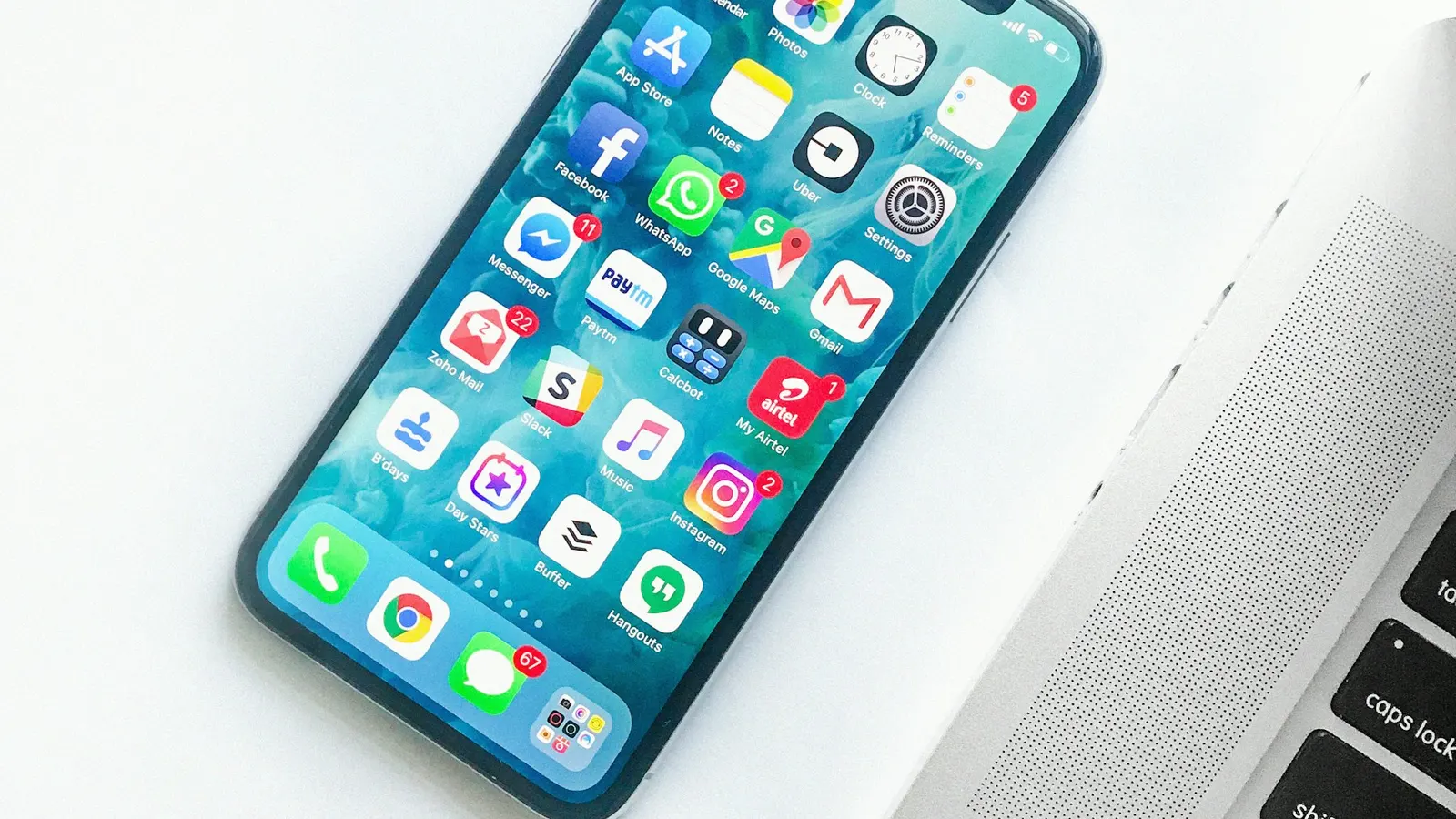
A used iPhone can be a brilliant buy. Apple devices often last for years, hold value well and are widely available on local marketplaces. The challenge is that iPhones are also attractive to scammers because they are small, valuable and easy to resell. A buyer needs to check more than the screen and camera.
If you are browsing Electronics, use this guide before you pay. The safest purchase is one where you can inspect the phone in person, confirm it is unlocked, check the battery, verify the IMEI and make sure Activation Lock is removed.
Table of contents
- Choose the right model and price
- Check the IMEI
- Confirm Activation Lock is removed
- Check battery health
- Inspect the screen, cameras and buttons
- Watch for counterfeit or repaired devices
- Test network and storage
- Pay safely
- Frequently asked questions
Choose the right model and price
Before messaging a seller, compare the asking price with similar iPhones by model, storage, condition and network status. An iPhone 14 Pro with 128GB storage should not be compared with a basic iPhone 12. Battery health, original box, accessories and warranty can also affect value.
If the price looks too good to be true, it may be bait. Scammers often use popular models with attractive prices to collect deposits or arrange fake delivery. A local viewing is much safer than paying for postage from a stranger.
Check the IMEI
The IMEI is a unique device number. Ask the seller to show it in Settings during the viewing, not just in a screenshot. On an iPhone, go to Settings, General, About. You can also dial *#06# to display device identifiers.
Check that the IMEI on the phone matches the box or receipt if provided. You can use reputable checking services to see whether the device is reported lost, stolen, blocked or still under finance. If a seller refuses to show the IMEI when you are viewing the phone, do not continue.
Confirm Activation Lock is removed
Activation Lock is designed to stop stolen iPhones being reused. If the phone is still linked to someone else's Apple ID, you may not be able to use it after reset. The seller must remove the device from their Apple account before sale.
Do not accept promises that it will be removed later. Ask the seller to erase the iPhone in front of you and complete enough setup to show that it reaches the normal home screen without asking for the previous owner's Apple ID.
Check battery health
Battery health matters because replacement costs can change the real price of the phone. In Settings, Battery, Battery Health and Charging, look at the maximum capacity. A lower percentage does not always mean you should walk away, but it should affect the price.
Also check whether the phone shows messages about unknown parts or service history. Apple may display warnings for certain replaced parts. Some repairs are perfectly acceptable, but they should be disclosed and priced fairly.
Inspect the screen, cameras and buttons
Test the screen across the whole surface. Open a plain white page and look for dead pixels, colour patches or heavy scratches. Test Face ID or Touch ID, both cameras, flash, speakers, microphone, charging port, volume buttons, silent switch and Wi-Fi.
Check for signs of water damage, bent frames, lifted screens or mismatched screws. A case can hide damage, so remove it during inspection. If the seller rushes you, slow down or leave.
Watch for counterfeit devices
Counterfeit iPhones can look convincing at first glance. Warning signs include poor screen quality, unusual software, missing App Store access, inaccurate serial information, strange camera performance or menus that do not match iOS.
Always check Settings and the App Store rather than relying on the lock screen. Be cautious with sealed boxes sold far below normal value; seals can be faked, and a sealed box prevents proper inspection.
Pay safely
Meet in a safe public place with good lighting. Inspect the phone before paying. Avoid sending deposits and do not pay through gift cards, cryptocurrency or unusual payment links. If using bank transfer, make sure you are happy with the device first.
Keep the message history on KYHOOT and report sellers who pressure you to move off-platform or pay before inspection.
Used iPhone checklist
- Compare price by exact model and storage.
- Check IMEI in Settings.
- Confirm Activation Lock is removed.
- Review battery health.
- Test Face ID, cameras, speakers and charging.
- Look for repair or unknown-part warnings.
- Avoid deposits for unseen phones.
- Keep conversations on KYHOOT.
Helpful KYHOOT links: Cars, Property, Electronics, Jobs, Pets, Safety Centre, Trust Score, and Browse Listings.
A practical KYHOOT safety routine
Before you reply to any advert, take one minute to check the basics. Read the description twice, compare the price with similar local listings, look at the seller profile and ask yourself whether the process sounds normal. A genuine person should be able to explain the item, arrange a sensible viewing or collection, and answer reasonable questions without becoming defensive.
During the conversation, keep a calm written record. Ask direct questions in KYHOOT messages instead of relying on rushed phone calls. For example, ask when the item can be viewed, what is included, whether there is any damage, and what payment method will be accepted at collection. Clear answers protect both sides because everyone can see what was agreed.
At the point of viewing, inspect first and pay second. For high-value items, bring someone with you where possible and avoid isolated locations. If the other person changes the terms at the last moment, asks for a deposit, adds a courier, or pushes you to use a payment link, pause the transaction. Safe trading should still feel straightforward when the deal reaches the final step.
Red flags by popular category
Different categories attract different risks, so the right checks depend on what you are buying or selling. In Cars, be careful with unseen deposits, missing V5C details, inconsistent MOT mileage and sellers who avoid viewings. In Electronics, check serial numbers, IMEI numbers, battery health, activation locks and whether accessories are genuine.
In Property, do not pay a deposit before verifying the property, landlord or agent. Be cautious if the advertiser refuses a viewing, asks for money to secure a room immediately, or uses stolen photos from another listing. In Pets, welfare matters as much as payment safety: check age, health, microchip details where relevant, vaccination records and whether the seller is following UK rules.
For Jobs and services, watch for requests to buy starter kits, pay application fees, send identity documents too early or move to private messaging before basic details are confirmed. Legitimate employers and service providers should be transparent about who they are, what is being offered and how the next step works.
Questions worth asking before you commit
- Can I inspect the item or verify the service before payment?
- Does the price make sense compared with similar listings?
- Is the seller or buyer avoiding normal local collection?
- Are they asking for bank transfer, crypto, gift cards or a deposit too early?
- Have they tried to move the conversation away from KYHOOT?
- Do the photos, description and profile all tell the same story?
- Would I still feel comfortable if the price were not unusually attractive?
When to walk away
Walking away is not rude when your money, safety or personal information is involved. If someone pressures you, refuses checks, changes the story, or makes the transaction more complicated than it needs to be, that is enough reason to stop. Genuine buyers and sellers may be disappointed, but they usually understand reasonable caution.
Do not let embarrassment keep you in a bad deal. Scammers often rely on social pressure: they act offended, say other people are waiting, or imply you are being difficult. A safe marketplace works best when users feel confident saying no.

What to report to KYHOOT
Reports are most useful when they include specific behaviour. Report payment links, courier fee requests, fake screenshots, threats, harassment, suspicious duplicate adverts, stolen-looking photos, prohibited items or attempts to move people off-platform for payment. If a message contains phrases such as “pay before collection”, “bank transfer only”, “courier will collect” or “outside KYHOOT”, include that context.
Reporting does not automatically prove someone has done wrong, but it gives the safety team a signal to review. It also helps improve automated protection across the marketplace. One report can prevent another person from losing money later.
How buy used iPhone UK fits into safer local trading
People searching for buy used iPhone UK are usually trying to avoid a bad experience before it happens. That is the right mindset. The best time to prevent a scam is before money, goods or personal details change hands. Once a payment has gone to the wrong person, recovery can be stressful and uncertain.
KYHOOT’s approach is to make safer choices easier: local browsing, visible profiles, Trust Score signals, safety reminders, fraud reporting and helpful education. None of these replaces your judgement, but together they create more friction for scammers and more confidence for genuine local users.
Frequently asked questions
How do I know if a used iPhone is stolen?
Check the IMEI with reputable services, ask for proof of purchase where available, and make sure Activation Lock is removed during the viewing.
What battery health is acceptable for a used iPhone?
It depends on price and model. Many buyers prefer 85% or above, but lower battery health can be acceptable if the price reflects likely replacement costs.
Should I buy a sealed used iPhone?
Be careful. A sealed box prevents inspection and seals can be faked. For private sales, it is usually safer to open and verify the device before paying.
Summary
The safest marketplace habits are usually simple: slow down, verify the item, keep messages on KYHOOT, avoid unusual payment requests and report anything that looks suspicious. buy used iPhone UK searches often start with a worry, but the right checks can turn that worry into a calmer, better decision.
Conclusion
Online buying and selling works best when trust is supported by practical checks. KYHOOT is building a safer UK marketplace with local listings, safety reminders, Trust Score signals and reporting tools designed for everyday people.
Ready to trade more safely?
Looking for a safer way to buy and sell locally?
Join thousands of people using KYHOOT, the UK marketplace designed with safety first.
Stay updated
Get KYHOOT safety tips, buying guides and marketplace news.